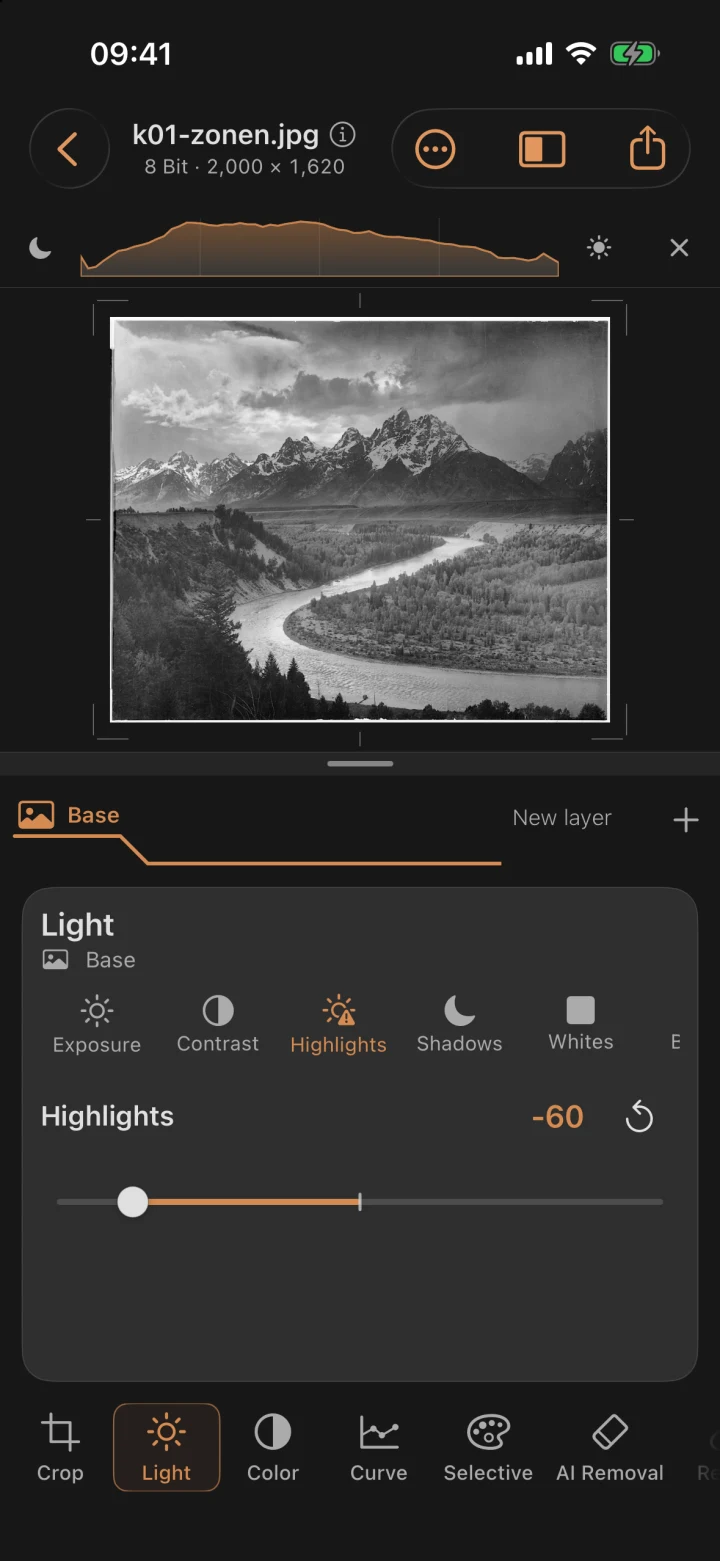
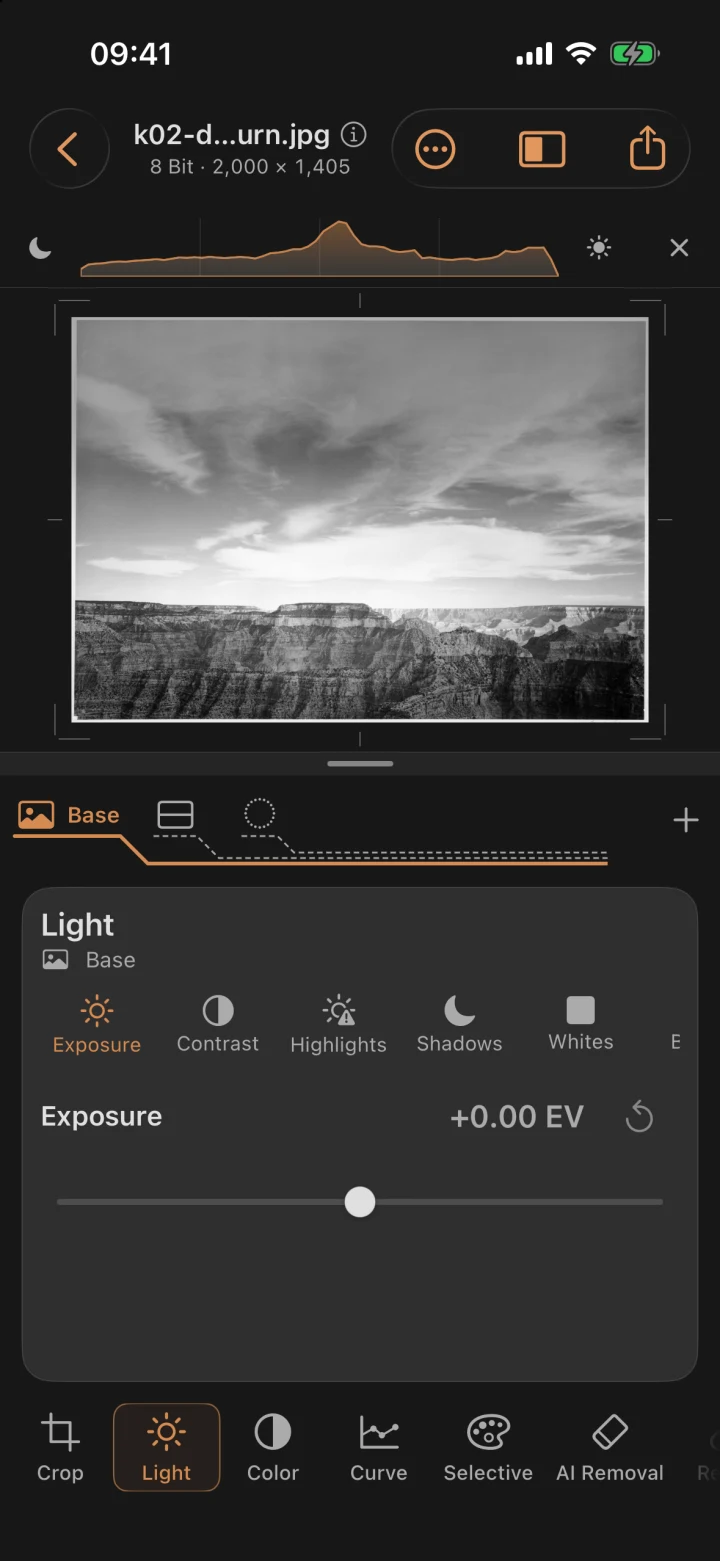
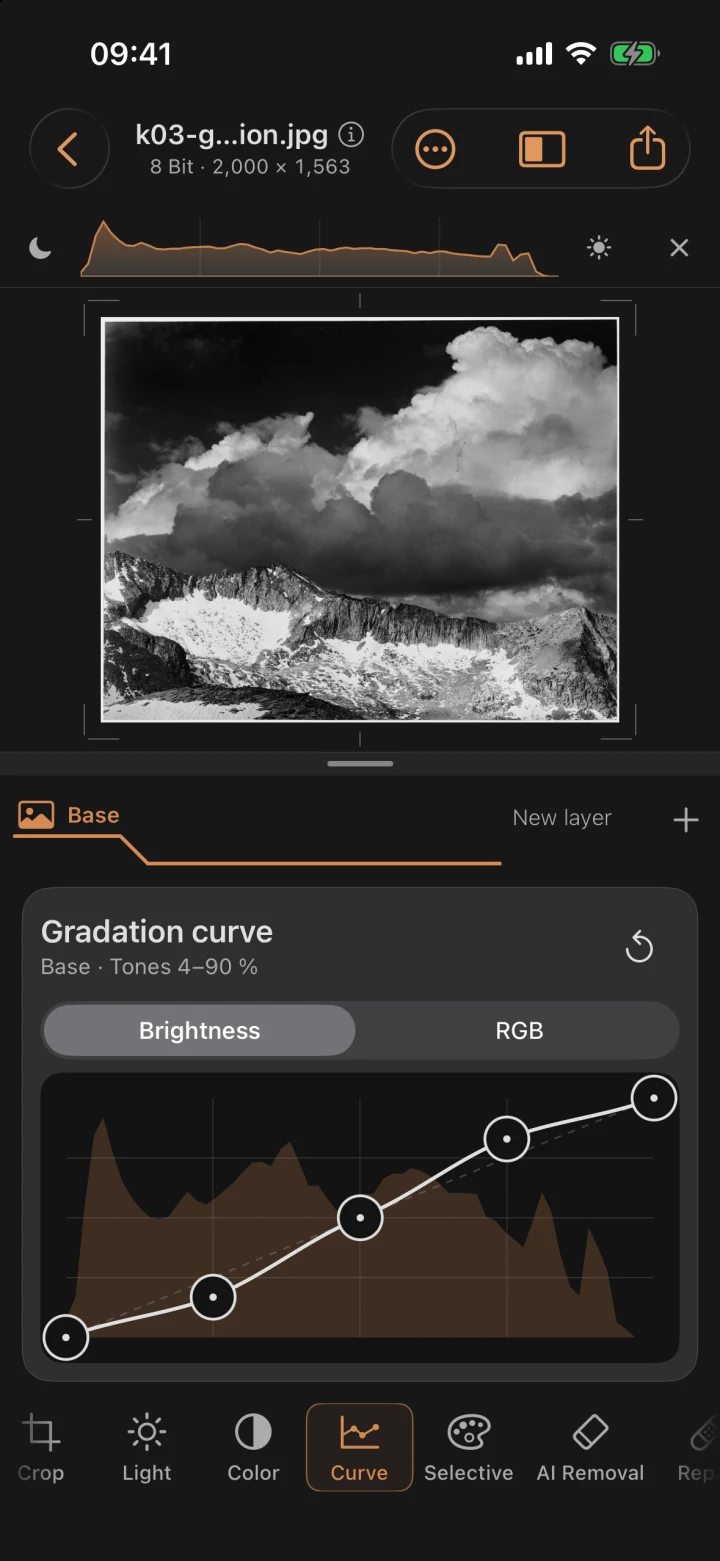
Mobile Darkroom · iPhone & iPad
Your RAW photo lab. On your device.
Your photo lab for iPhone and iPad: develop RAW, JPEG and HEIF photos, remove distractions, and shape light, color and depth. Image processing and AI computations run on your device. Your originals stay intact.
The new features described here apply to version 1.5 and later. Check the App Store to see which version is available to you.
Free download · 3-day free trial · full version for a one-time 5.99 € · no subscription
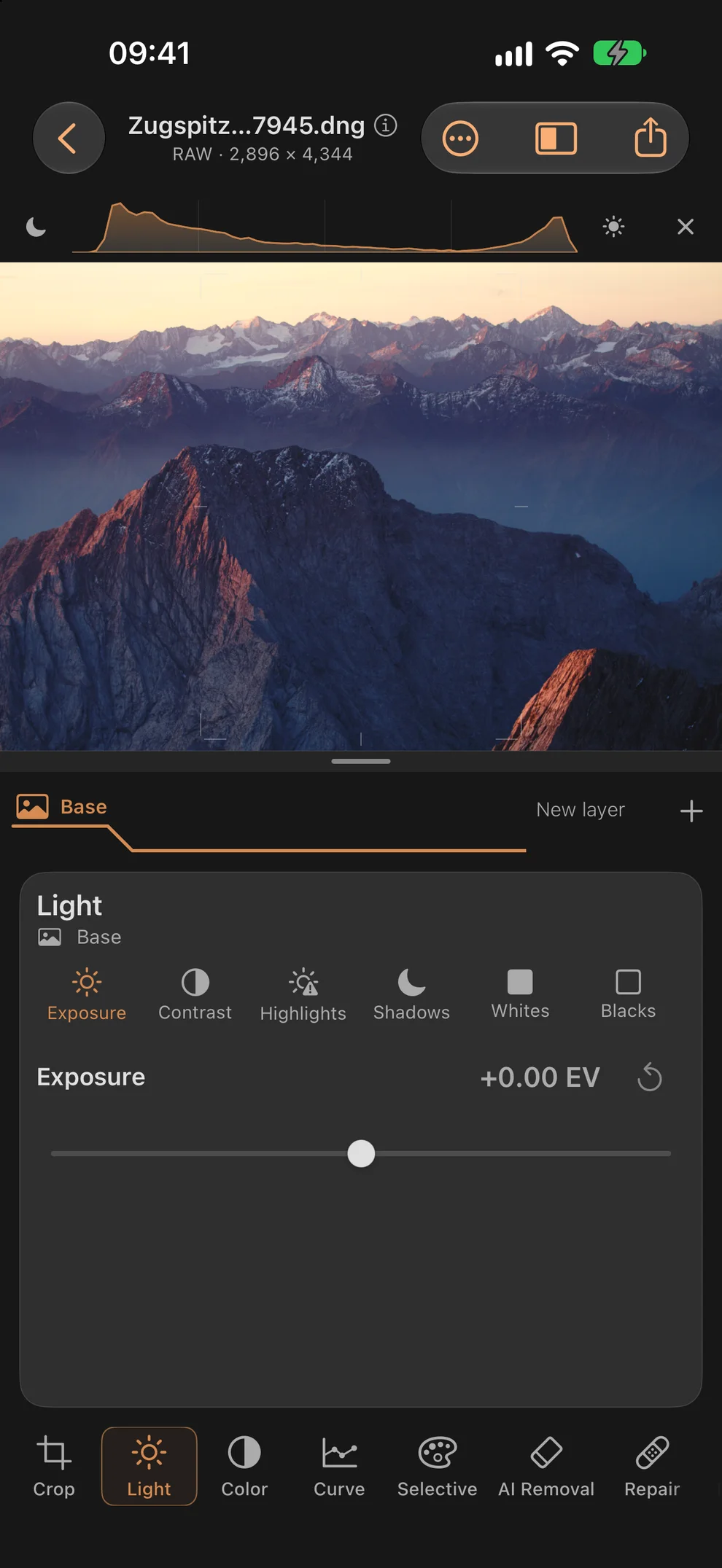
Explore the tools
Mobile Darkroom in action
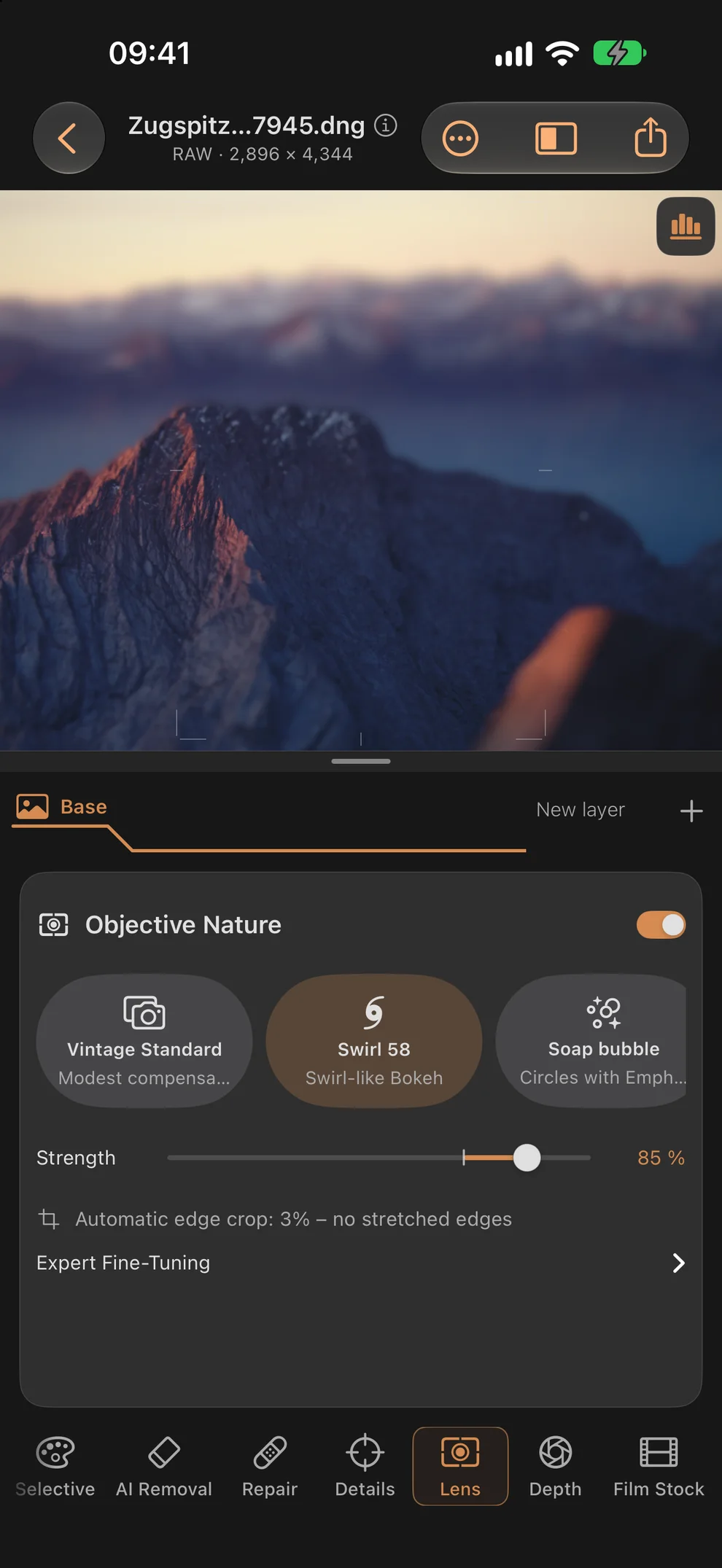
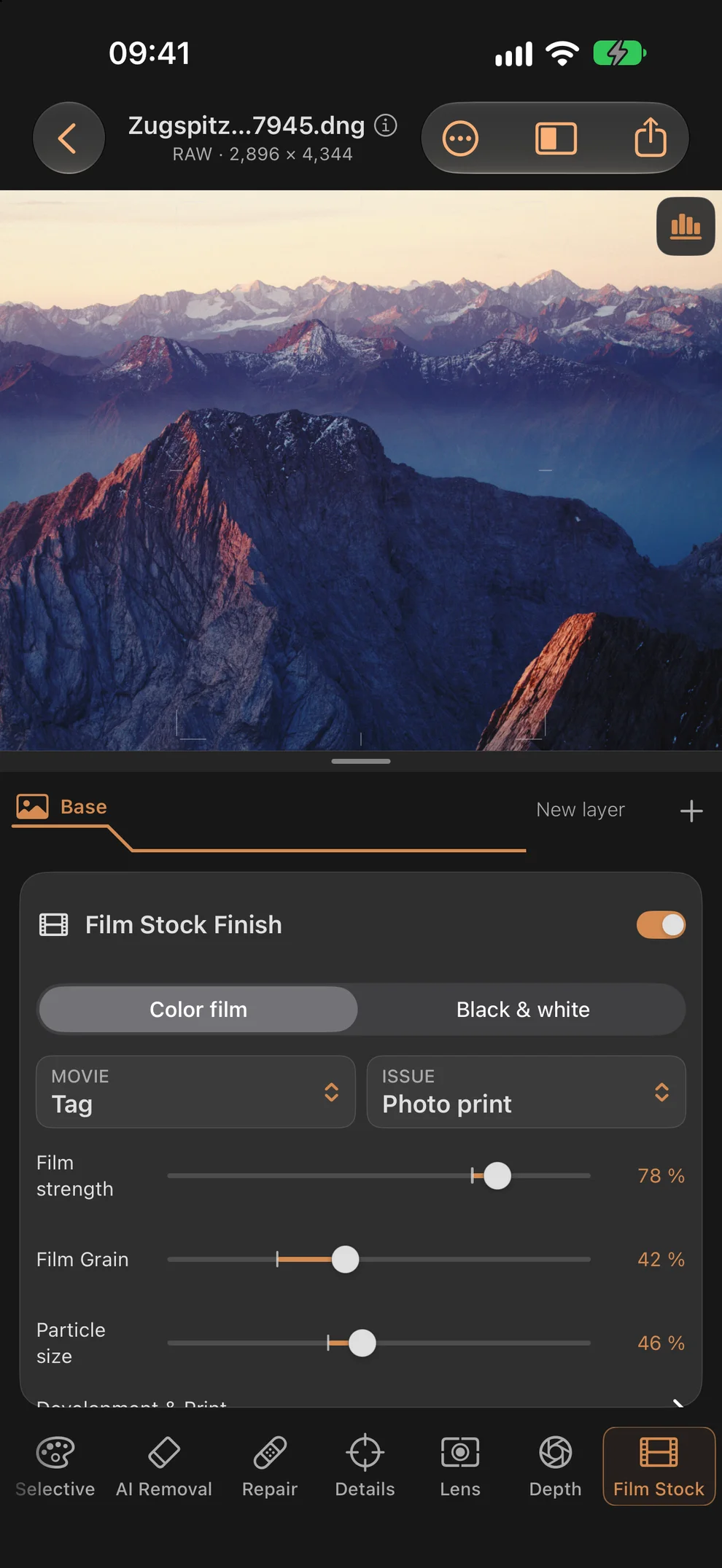
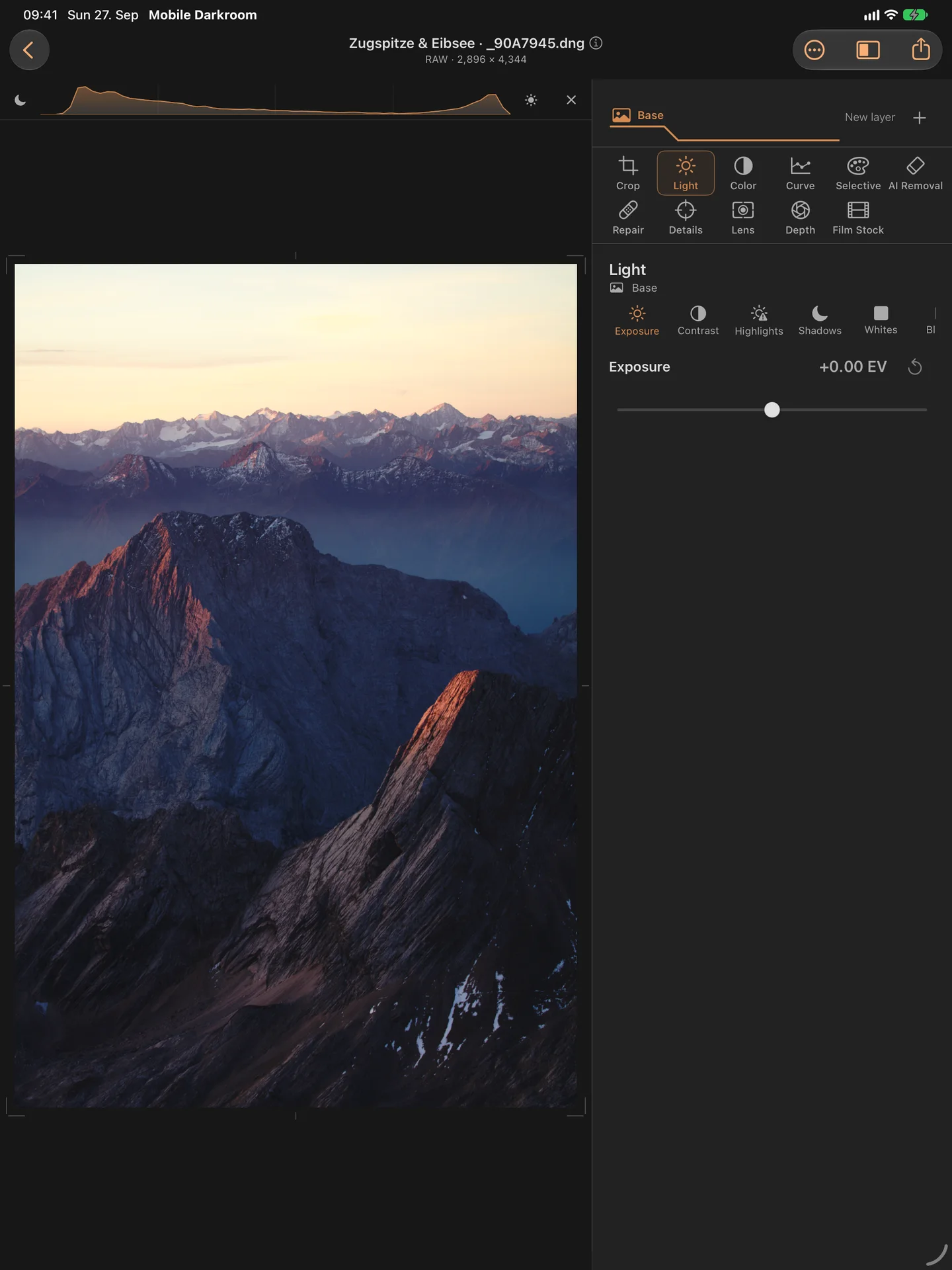
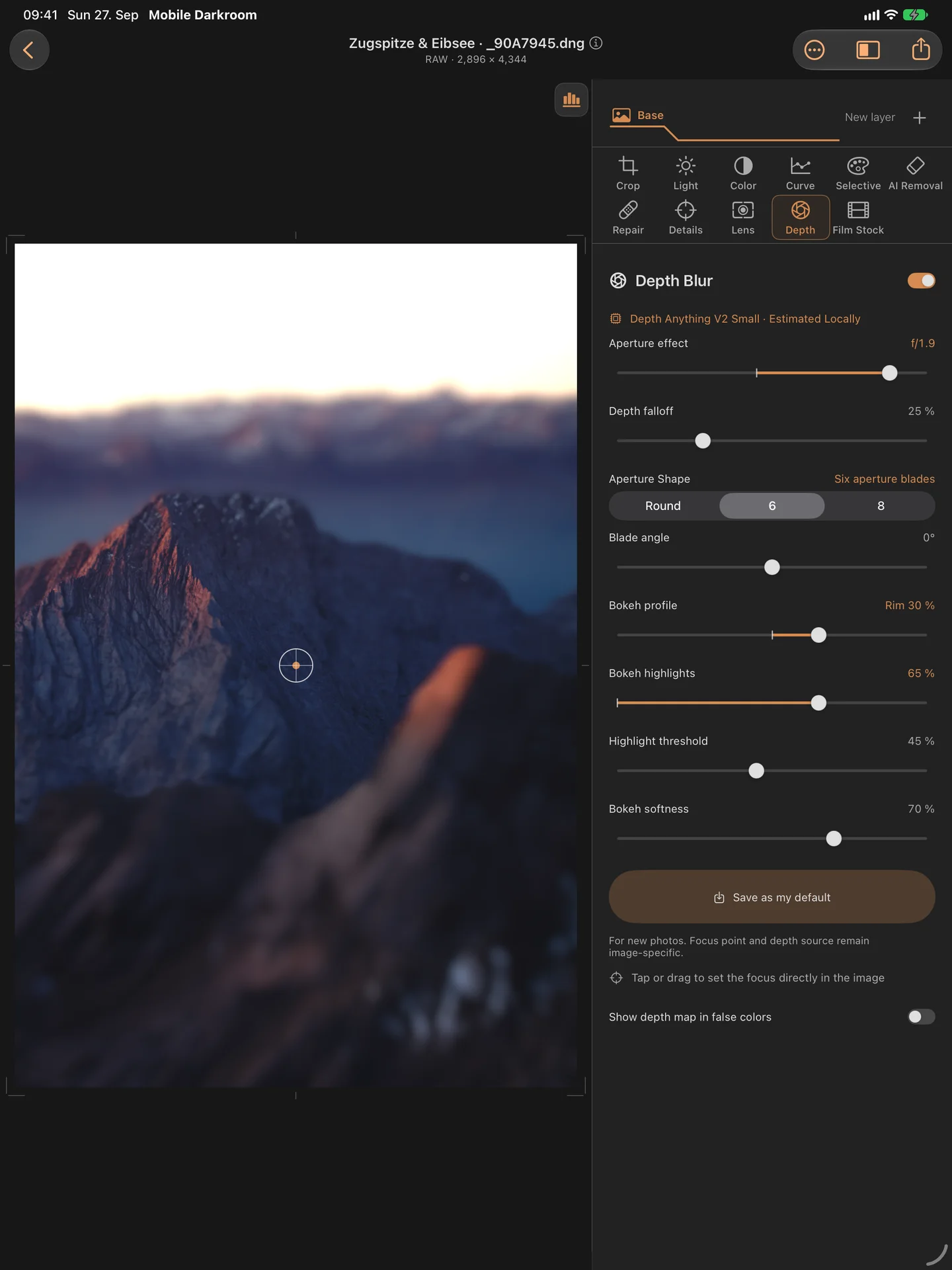
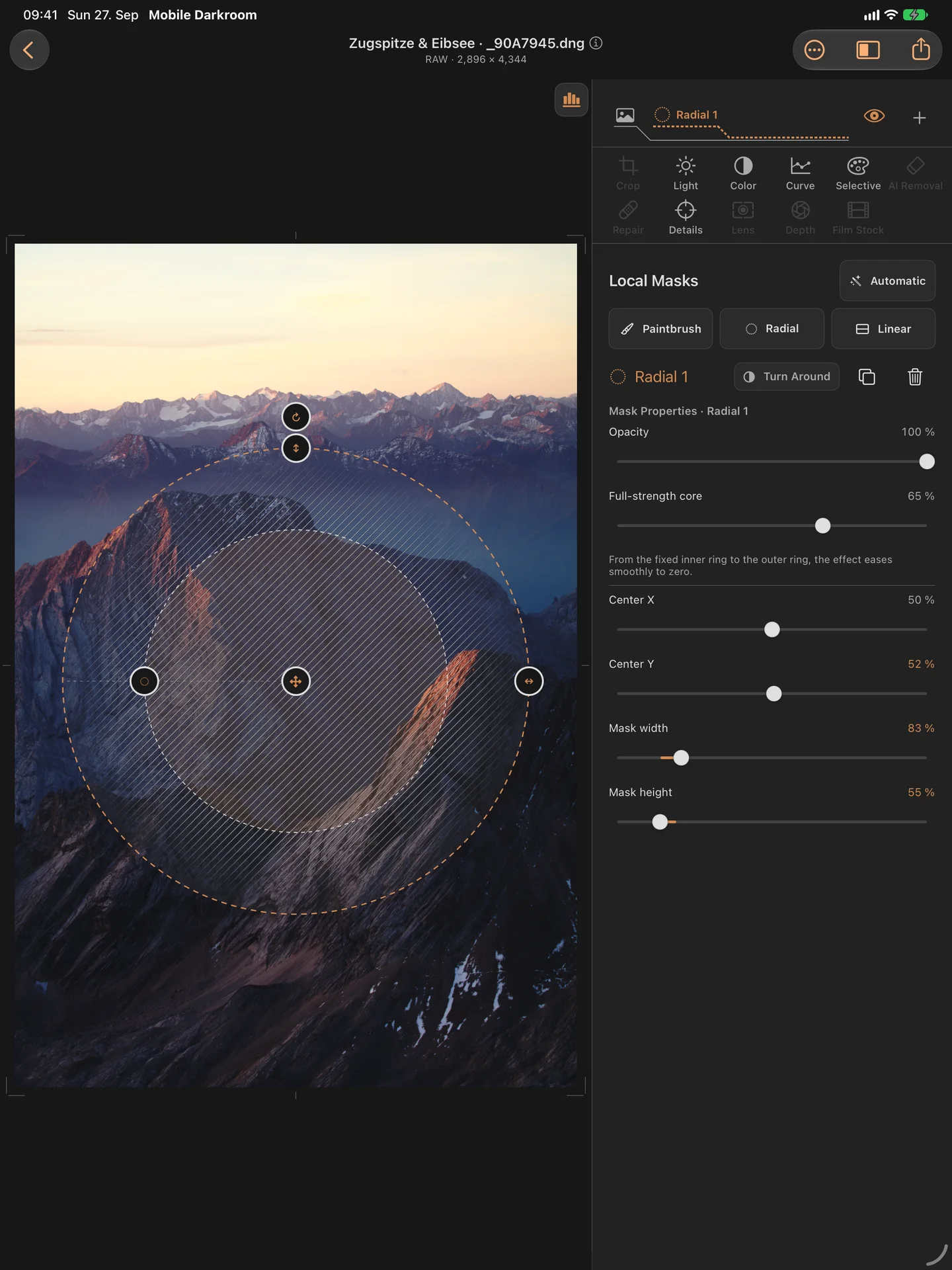
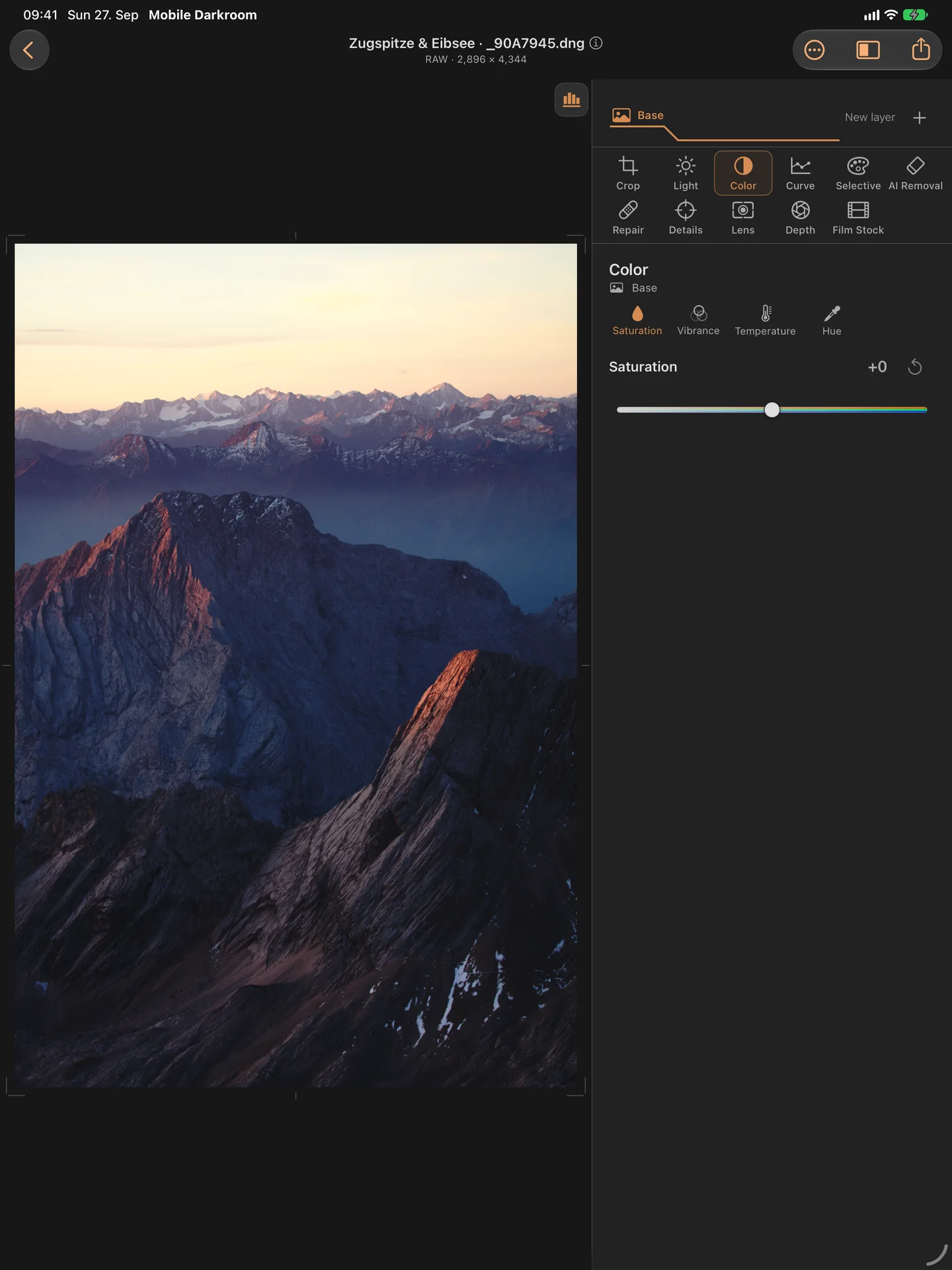
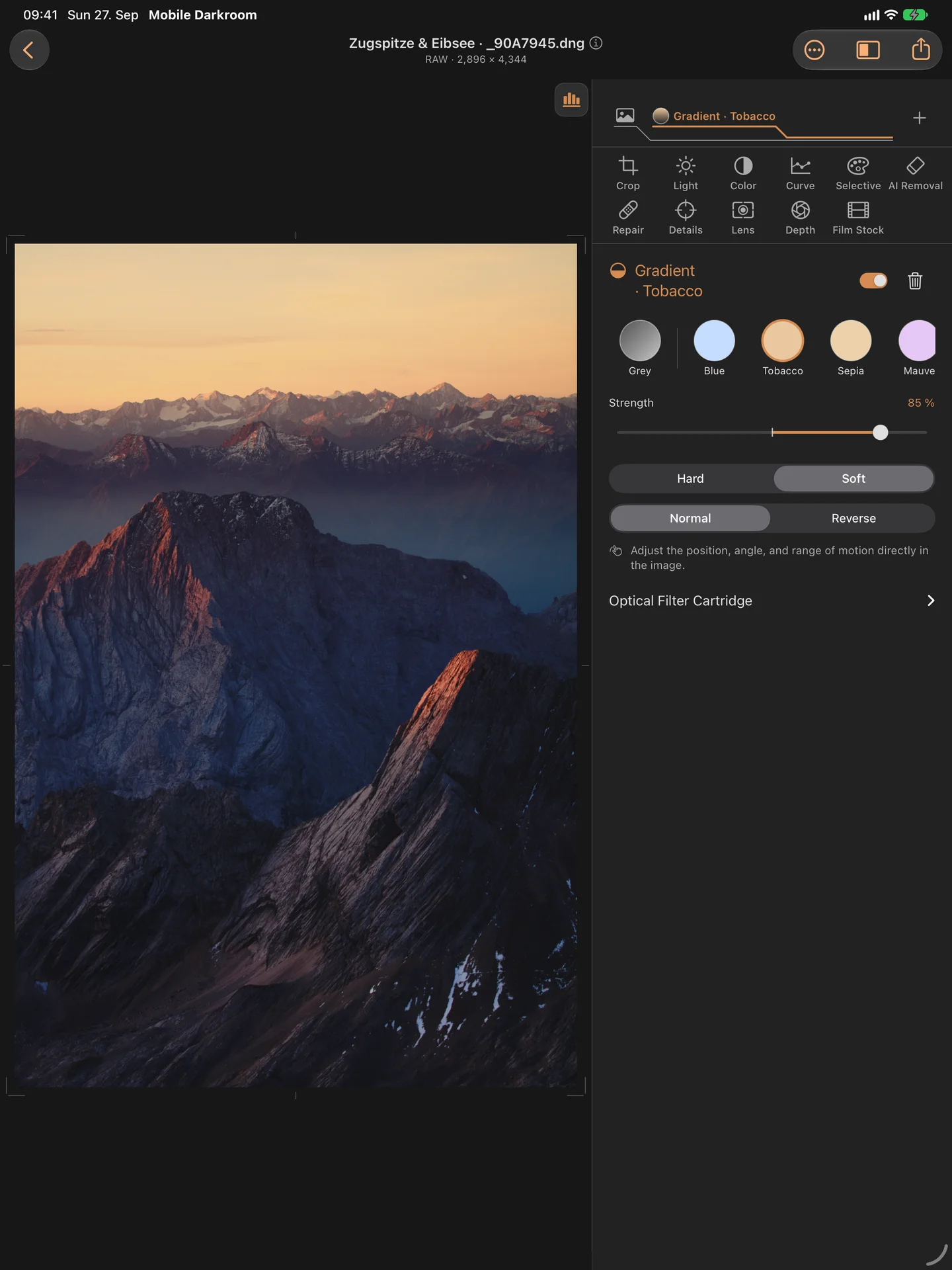
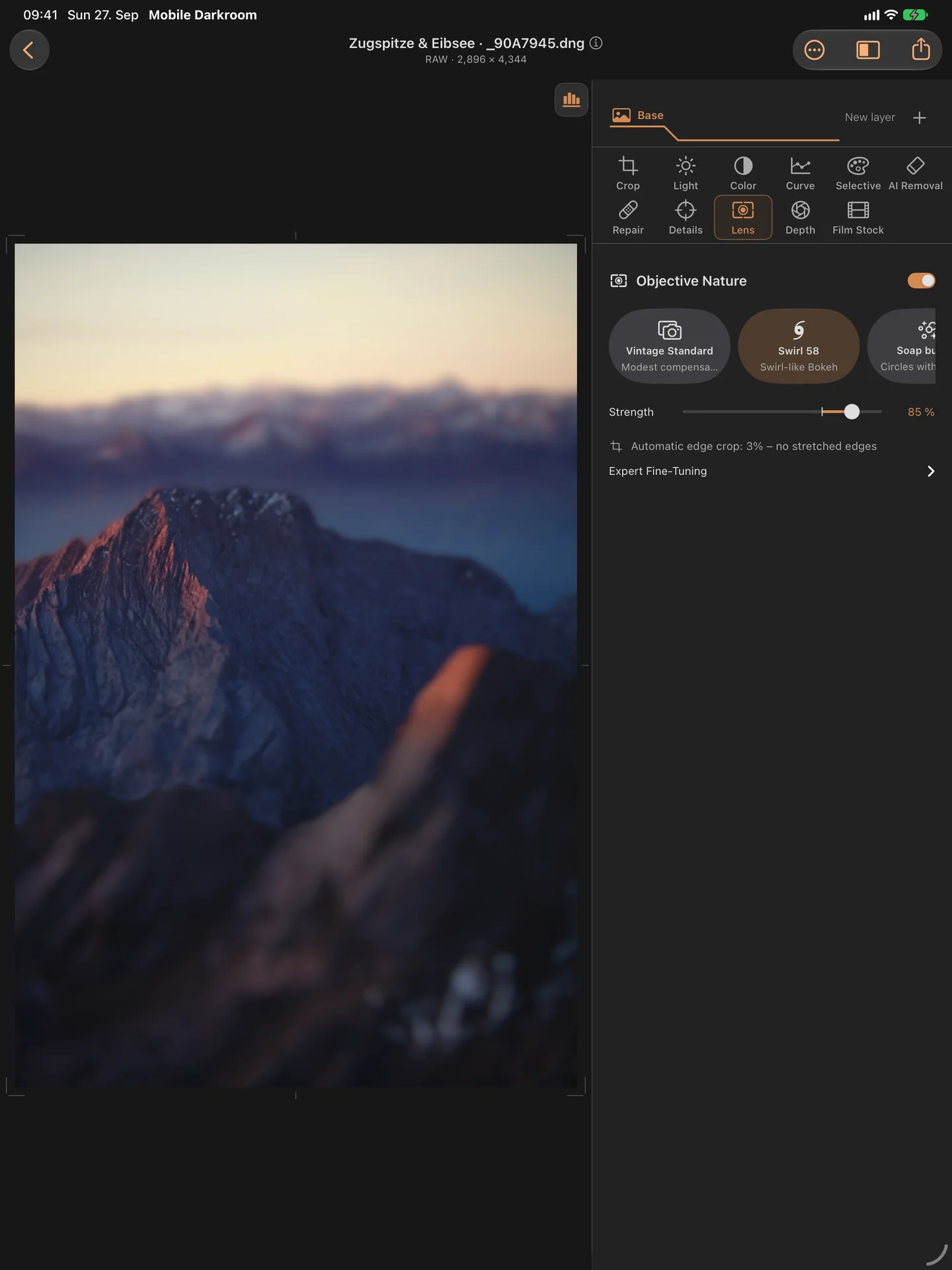
SHAPE LIGHT AND COLOR
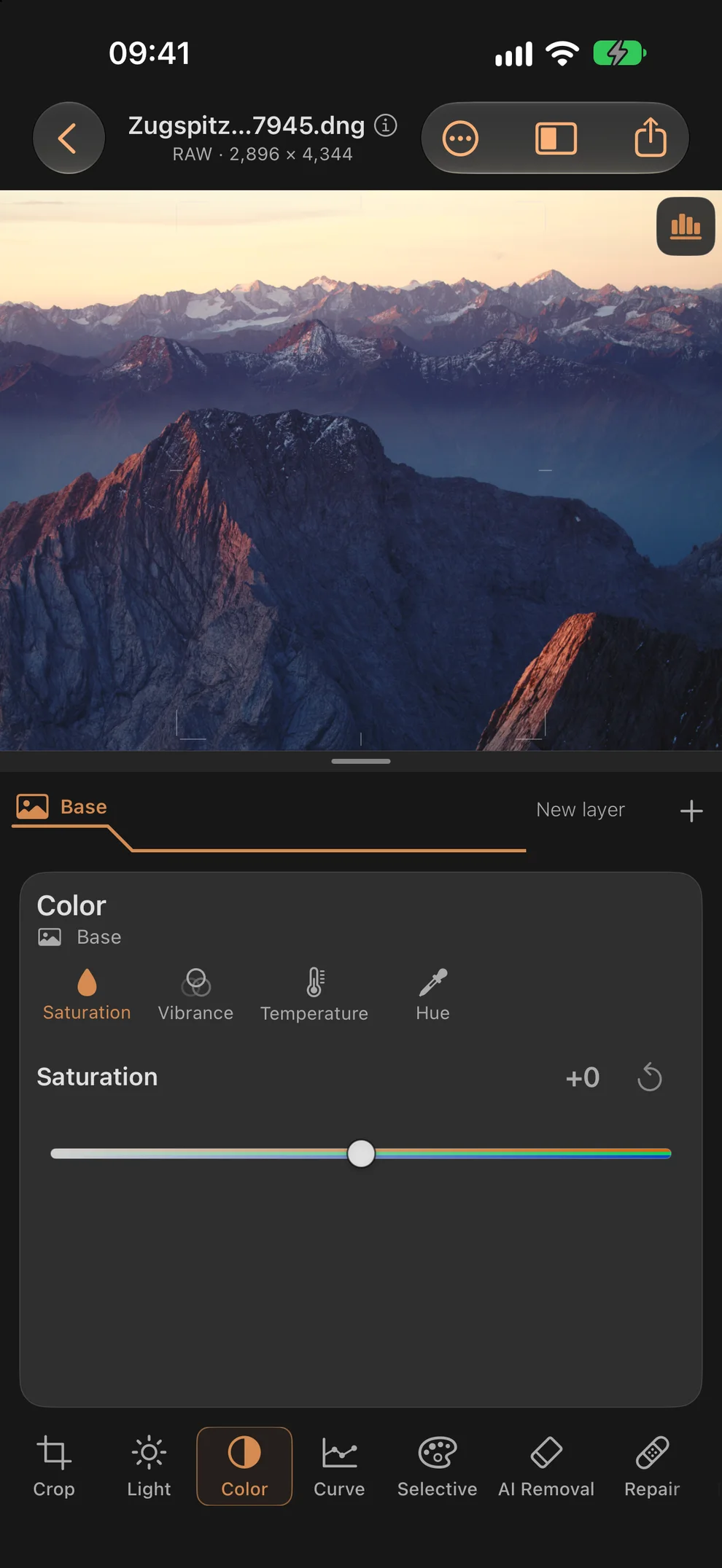
Exposure, contrast, highlights, shadows, white and black points. Optional histogram with highlight and shadow clipping indicators. Saturation, vibrance, white balance, curves and selective color. Sharpening, structure, noise reduction and selective blur
LOCAL ADJUSTMENTS WITH MASKS
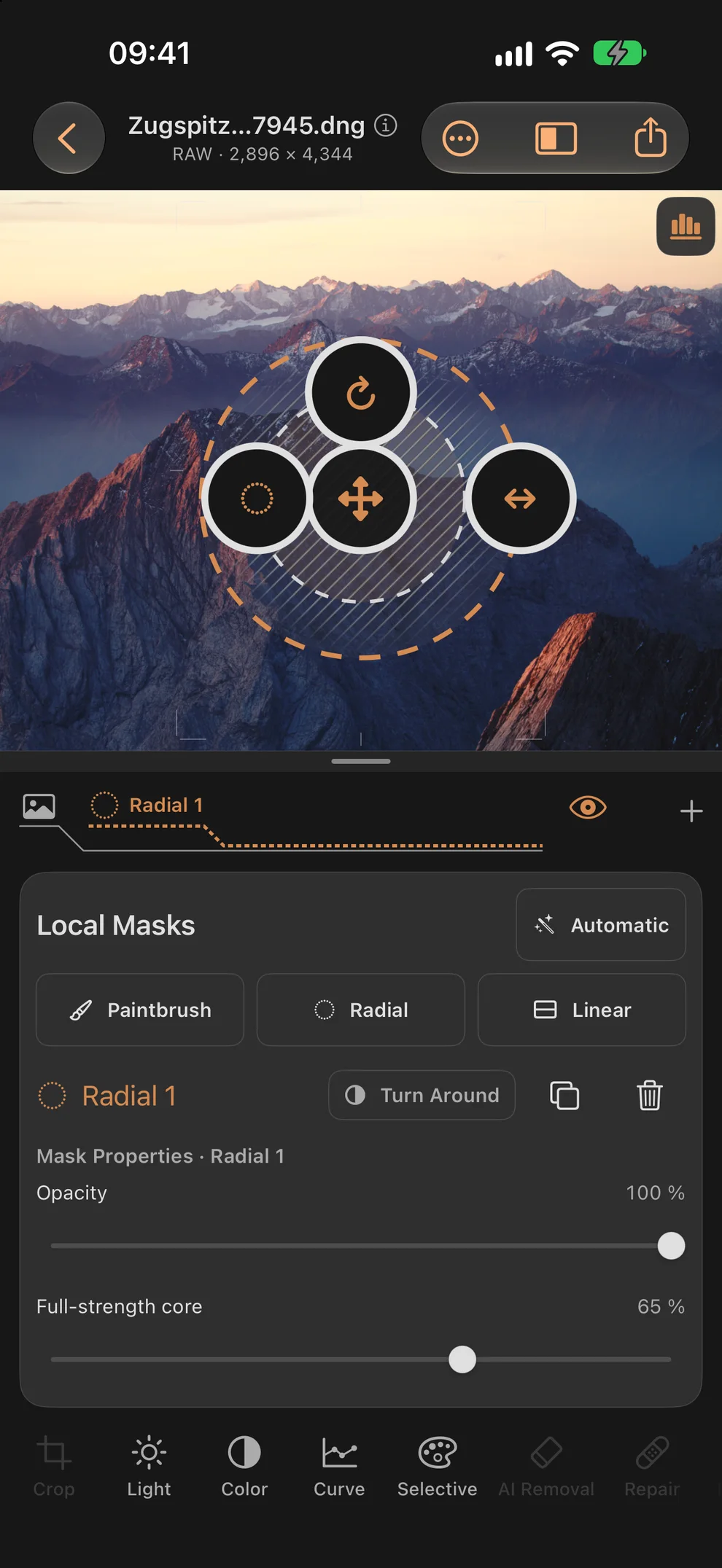
Brush, radial and gradient masks; duplicate and combine masks. Compute subject, background and sky masks on device. Interactive object selection on supported devices running iOS 27 or later
DEPTH AND YOUR OWN LOOK
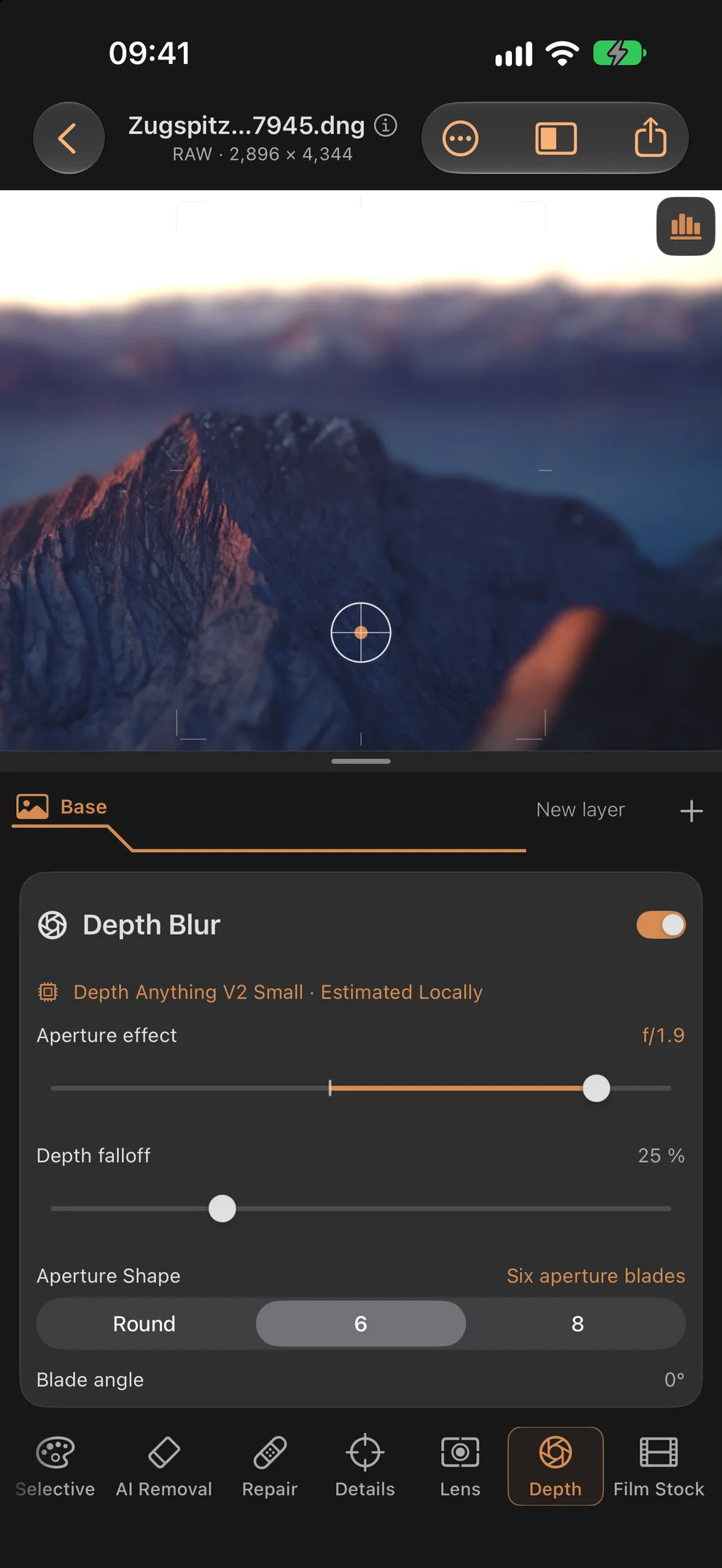
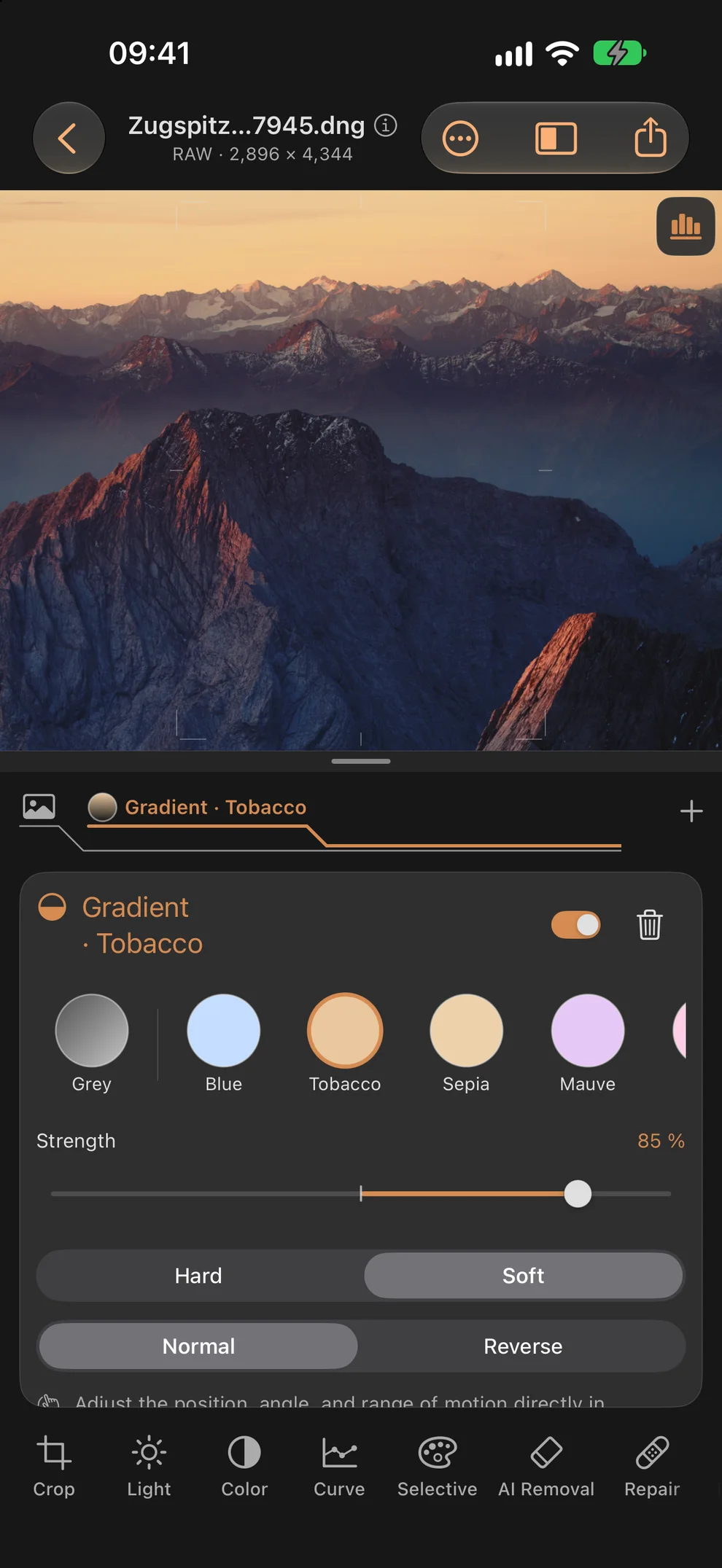
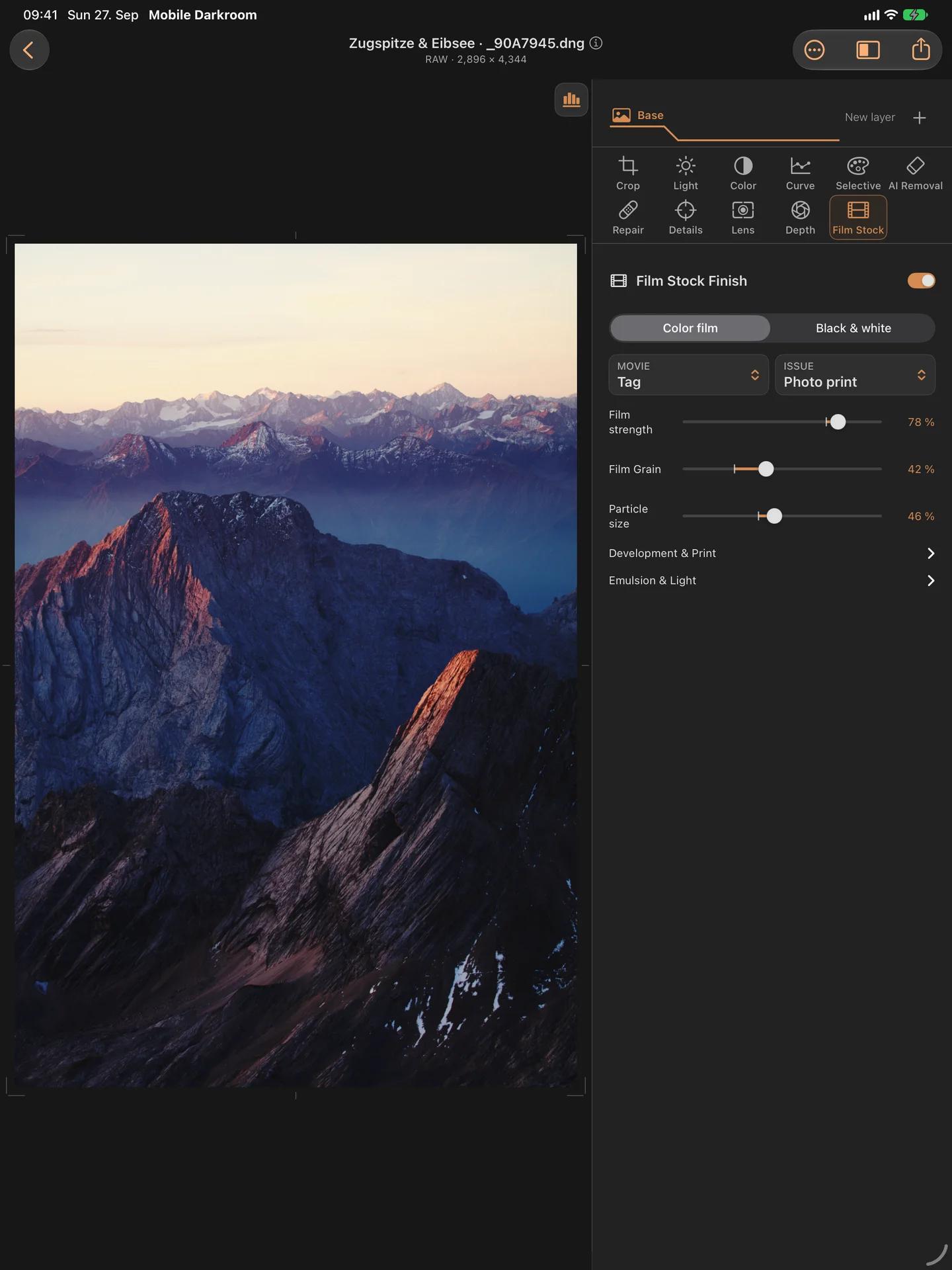
Depth blur using embedded or locally estimated depth maps. Shape focus, aperture effect, depth falloff and bokeh; save your own optical defaults. Simulated lens character, vignette, distortion and color fringing. Filter magazine with full, graduated and creative filters: warming and cooling steps, sepia, tobacco, sky colors, hard or soft edge and reverse graduation. Star, spectral star and light fan filters whose rays follow the brightness and color of each light source, plus diffusion and halation. Film looks, grain and paper character
REPAIR AND REDUCE REFLECTIONS
AI Removal: paint over an area, let the app fill it locally, and review the result before applying. Smart repair brush and manual cloning. Simulated polarizer with linked reflection reduction and optional fine tuning, also within masks. Results depend on the scene. The effect does not replace an optical polarizer or reconstruct details that were never captured
KEEP EDITING AND EXPORT
Crop, straighten and correct converging lines. Save and reopen local projects with the original, edits and history. Undo and redo adjustments. Export a new JPEG copy and share through the iOS share sheet
EDIT PRIVATELY
No photo uploads by the app, no app account, no tracking and no advertising. Computations run locally. Certain Apple models and RAW resources are downloaded first when needed; the corresponding editing then works offline. Apple's StoreKit handles activation and purchases. iCloud files and external sharing destinations may need a connection. After the trial, importing, editing and exporting require the Full Version; the price is shown before purchase.