
Chapter 9 · Film character & halation
Grain & Halation: The Character of Film
Film grain was never an effect — it was the physics of the material. A negative is made of billions of silver-halide crystals; the more sensitive the film, the more visible its structure became. Photographers and cinematographers turned that structure into a visual language of its own.
Halation was even a genuine construction flaw: very bright light passed through the emulsion, reflected off the back of the film base, and exposed the layer a second time from behind — a soft halo formed around light sources. Film manufacturers fought it with anti-halation layers; decades later, film fans deliberately recreate the same glow, because it “looks like film.” Color film makes the effect especially easy to read: the halo appears warm red to orange as light scatters back through the emulsion’s color layers.
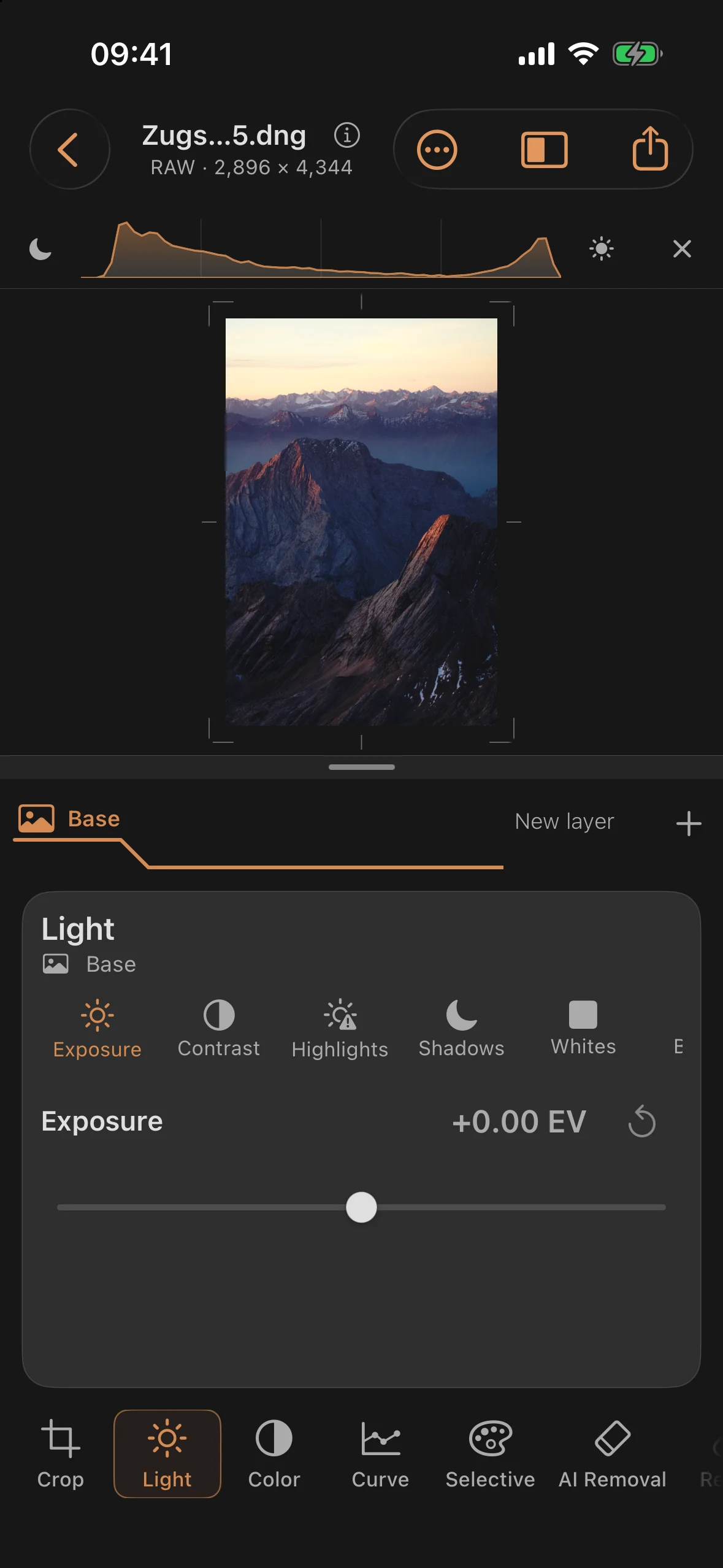
The built-in RAW sample shows the evening view from the Zugspitze: warm ridge light, blue shadows and distant mountain ranges. Bright edges and the glowing horizon provide a useful comparison for film-specific halation.
Step 1: The Clean Color Original
Open the built-in RAW sample. Fine rock texture, warm ridge light and blue haze provide the unprocessed starting point. Whether grain and halation carry an image or get in its way only becomes clear next to this smooth version.
Step 2: Cinema Film with Halation
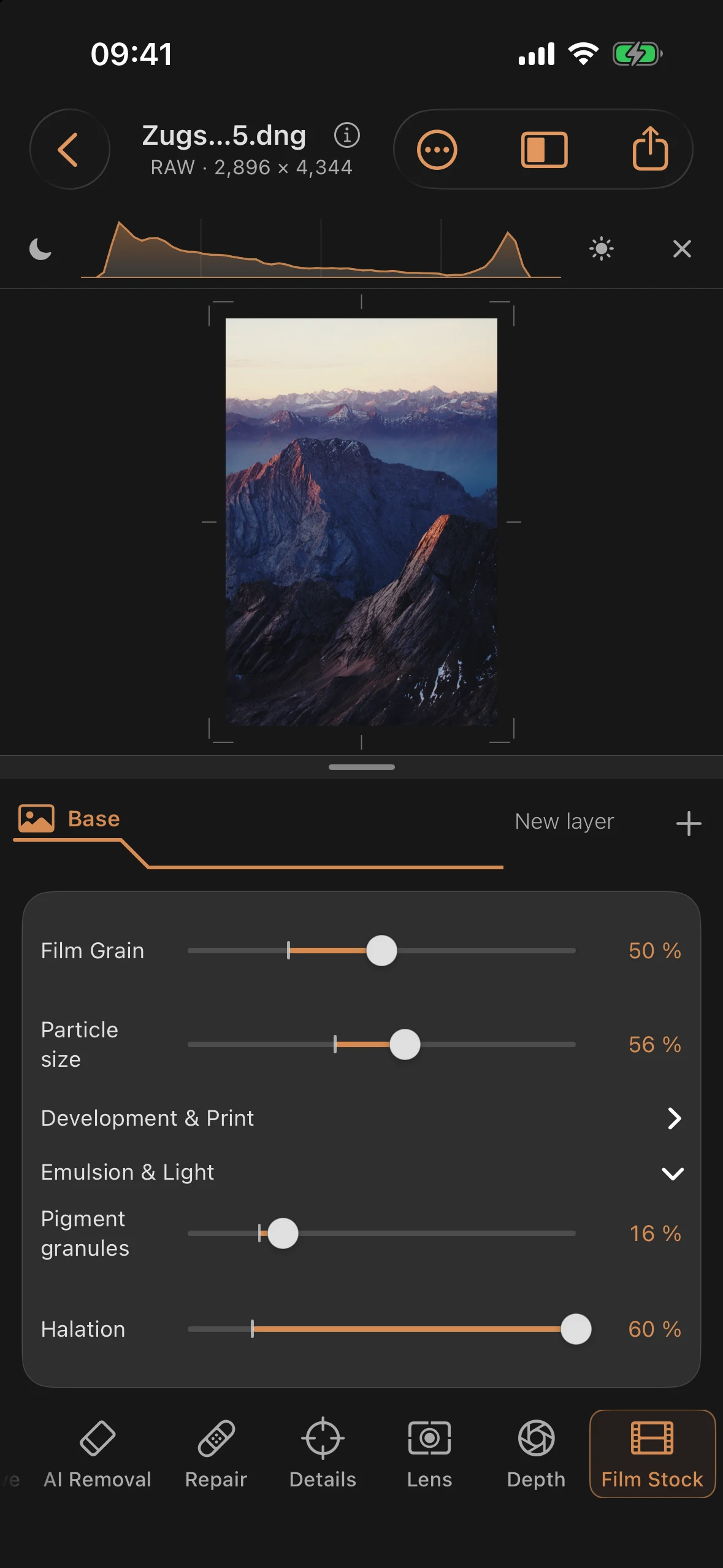
Choose Film Stock → Color film → Cinema Day 250 and set Film strength to 100%. Explicitly select Photo print as the output so that the neutral paper in this example is available under Development & Print. The Film default output would use a direct scan for this cinema stock:
| Setting | Value |
|---|---|
| Film | Cinema Day 250 |
| Output | Photo print |
| Photographic paper | Neutral Photographic Paper |
| Film strength | 100% |
| Film Grain | 50% |
| Grain size | 56% |
| Color Film Grain | 16% |
| Halation (emulsion & light) | 60% |
The grain settles over sky and rock as a living texture — not as even noise, but in response to color and tone. Halation appears at bright edges and the glowing horizon. Its visibility depends on the image tones; zoom in and compare the effect enabled and disabled. At 100% Film strength, you see the stock as designed instead of blending it back with the neutral original.
Before and after
Before
After
Two rules from a hundred years of film: grain belongs across the whole image or not at all — and halation only where light is really burning. The color image also reveals what black and white would hide: the warm hue of that back-scattered light.